Last Updated on April 29, 2026 by Prabhakar A
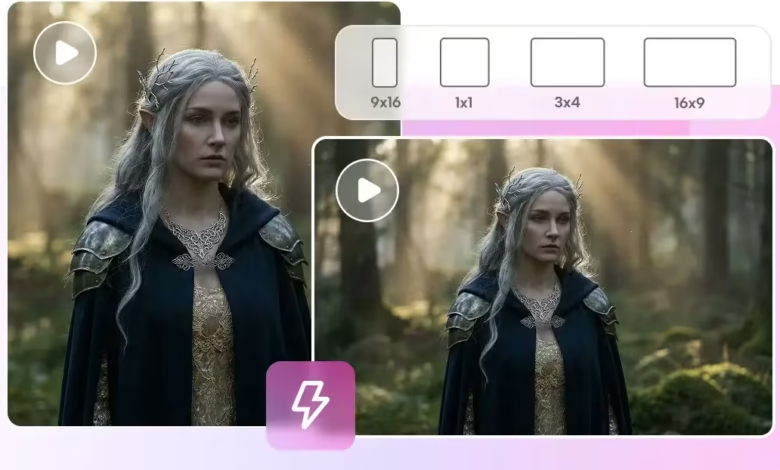
Lighting and textures define realism in modern video storytelling on digital platforms. Cinema is a costly affair, with much more expensive equipment and elaborate production setups. Without technical prowess, many artists struggle to be consistent, detailed, and moody. Pippit uses the most recent Seedance AI algorithms, which make the creation of hyper-realistic images simple, enabling the optimization of lighting and textures for professional-quality video outcomes, automated and within a brief period of time.
Table of Contents
Understanding AI-Driven Lighting and Texture Generation
AI-based rendering modifies the process of visual creation by using text prompts that generate structured visual images rather than the conventional frame-by-frame editing. Lighting, shadows, and textures are generated with computational models that simulate real-world behavior, rather than a traditional workflow. Pippit is one such platform, an AI video generator tool, that converts textual input into real-life motion scenes with manipulated light effects. Dreamina Seedance 2.0 enhances visual fidelity by improving surface quality, contrast, and environmental lighting precision. Prompts directly affect the occurrence of highlights, depth, and material properties in the appearance of each frame. It is a true simulation of the camera’s and environmental lights’ actions in the real world. This makes the outputs professional, marketing- and film-appropriate. It enables artists to achieve studio-quality realism without installing physical lighting. This increases the scalability of marketing campaigns and video production.
Core Capabilities for Visual Realism
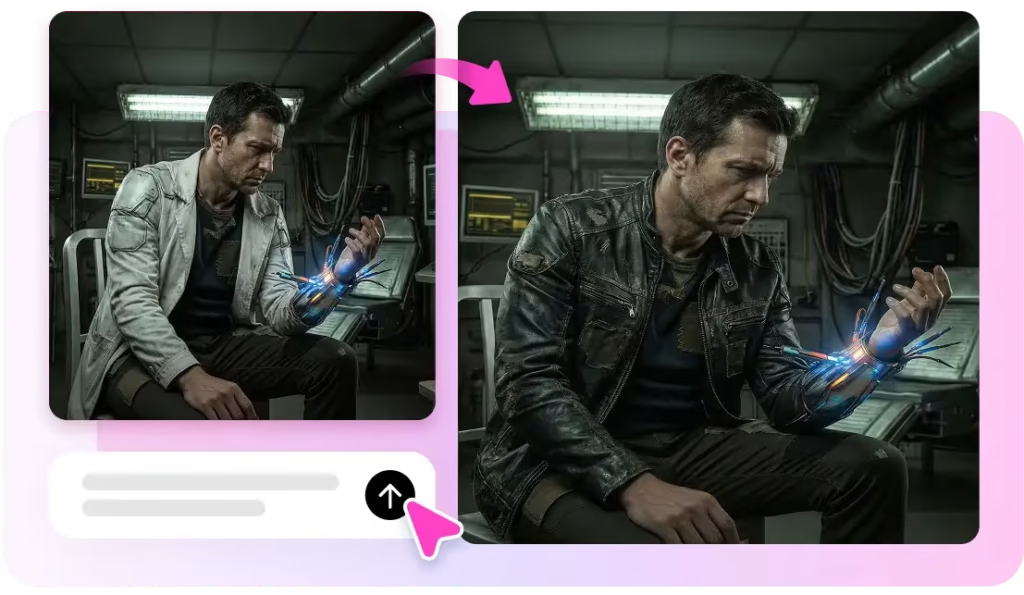
Seedance enables artists to achieve the high-quality visual realism of Pippit systems.
- The 2K output preserves details and delivers sharp images.
- The natural cinematic tones result from automatic exposure and color balancing.
- Texture consistency gives consistency in the character and appearance of objects.
- Lighting is dynamically configured to adapt to the scene’s conditions.
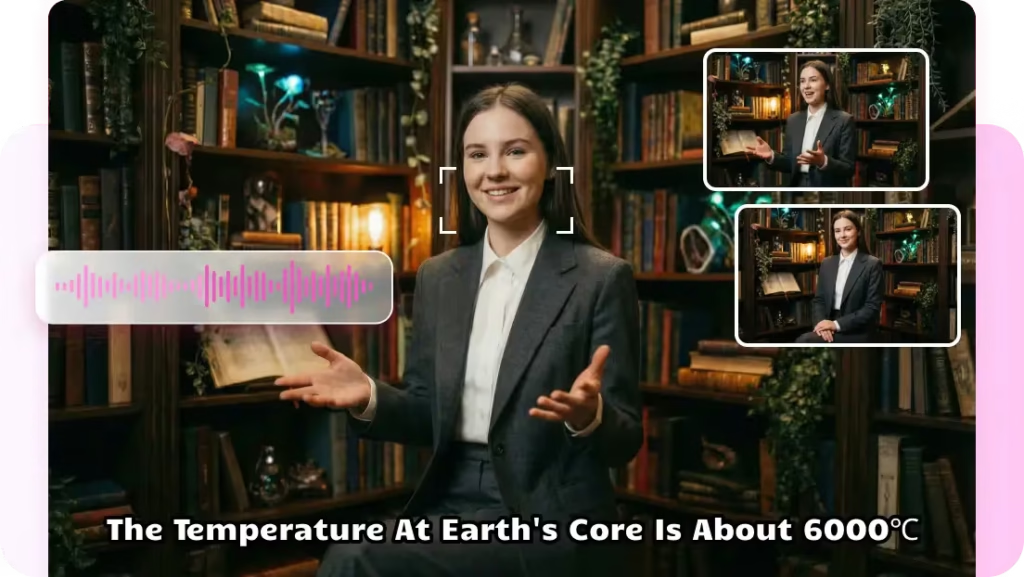
To a large extent, these features reduce manual editing and streamline production. It also helps in the gradual transmission of style between different sequences generated. This consistency helps retain brand identity in visual storytelling projects.
Enhancing Visual Depth Without Manual Editing
The new AI systems do not require the use of sophisticated lighting rigs or natural studio setups. Pippit is a smart reader of environmental signals and adjusts brightness, shadows, and reflections based on the composition of the scene. This ensures smooth, uninterrupted flow across transitions, with no visual anomalies or flickering. The emergence of cinematic realism is due to immediate design, not after-production effects. This technique reduces the post-production. It adds richness and engagement with stories of all the video content created.
Steps to Generate Realistic Lighting And Textures Easily With Seedance AI
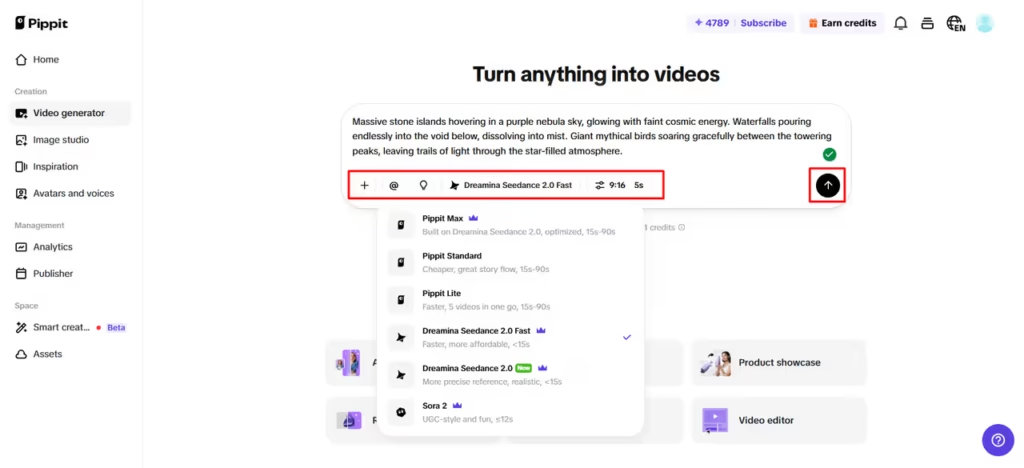
Step 1: Set up your creative project
- Begin by creating an account and accessing the platform through “Video generator” from the dashboard.

- Choose a suitable AI model such as Dreamina Seedance 2.0, Dreamina Seedance 2.0 Fast, Sora 2, Pippit Standard, Pippit Max, or Pippit Lite.
- Write a detailed prompt focusing on lighting, shadows, and texture quality.
- Adjust video length, language, subtitles, and aspect ratio as needed.
- Use “+” to upload reference visuals from your device, Dropbox, phone, or a link.
- Add assets if no reference media is available.
- Click “Generate” to begin.
Step 2: Let AI build lighting and textures
- After selecting “Generate”, the system creates visuals based on your inputs.
- The AI automatically refines lighting, depth, surface textures, and transitions.
- It also enhances captions, pacing, and visual consistency.
- You receive multiple drafts for review.
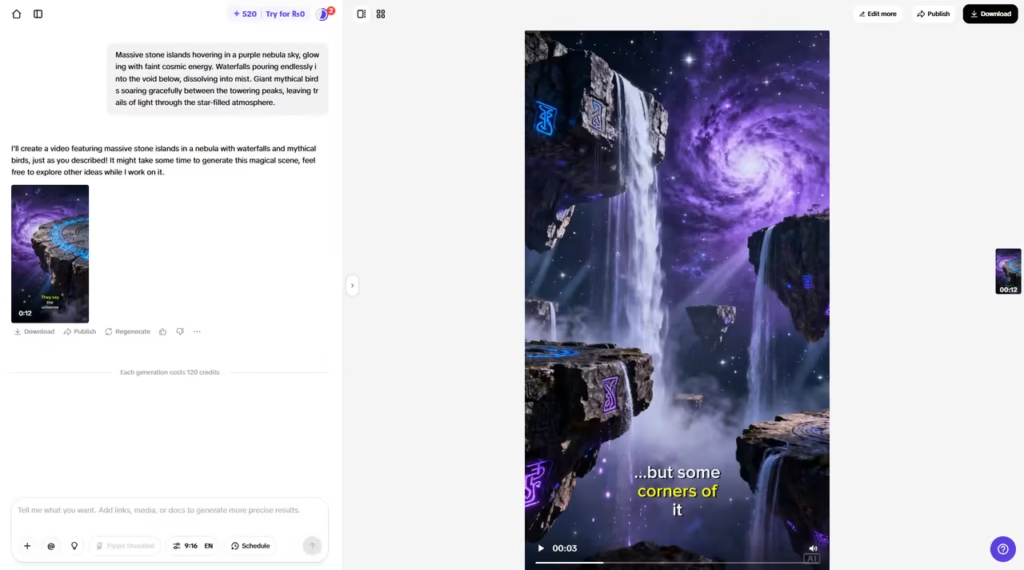
Step 3: Refine visuals and export
- Use the “Download” tab to save instantly or click “Regenerate” if needed.
- Select “Edit more” to open advanced editing tools.
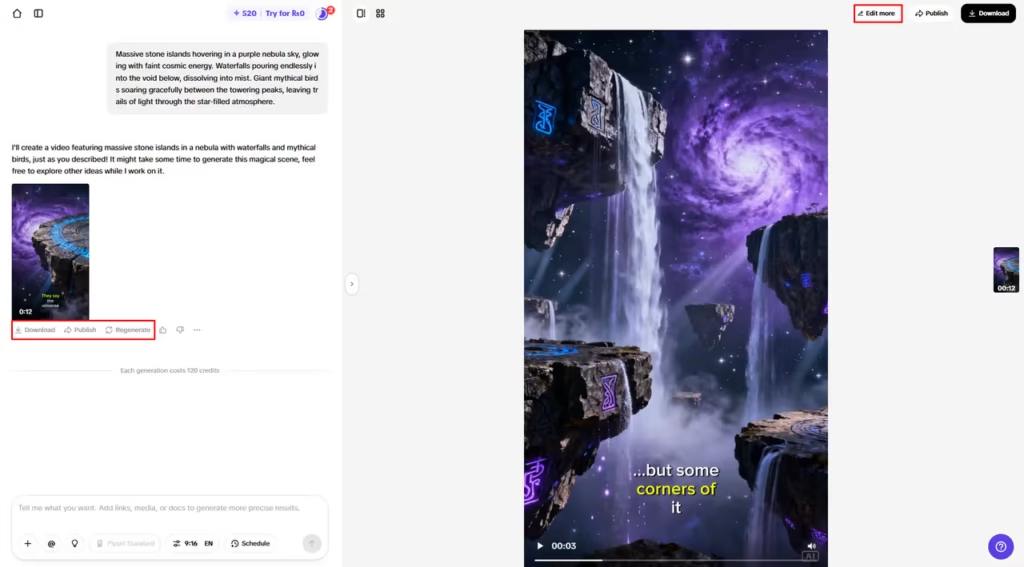
- Adjust brightness, texture details, colors, and effects manually.
- Add music or remove backgrounds for better realism.
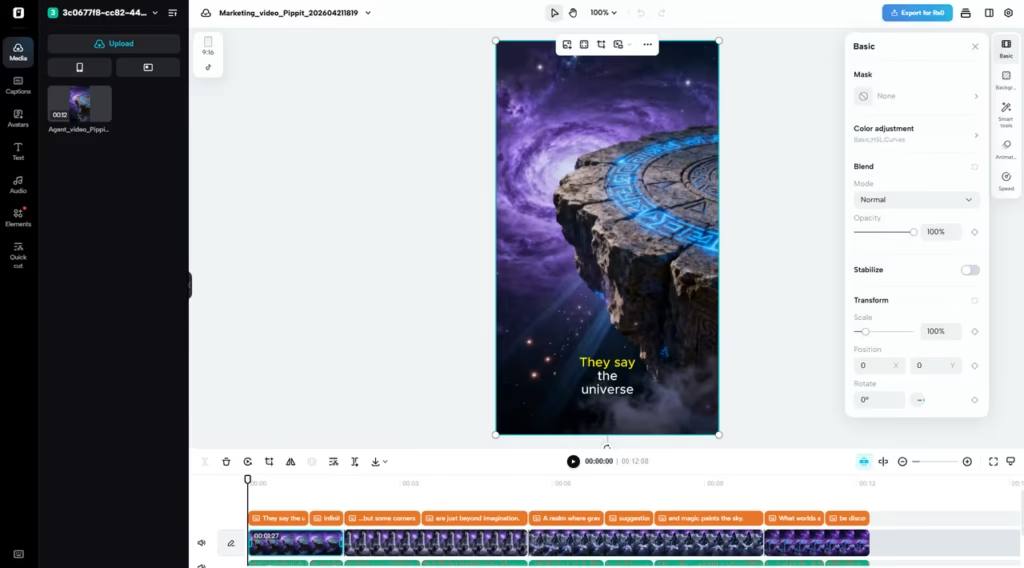
- Click “Export” when satisfied.
- Choose “Publish” or “Download” with preferred settings.
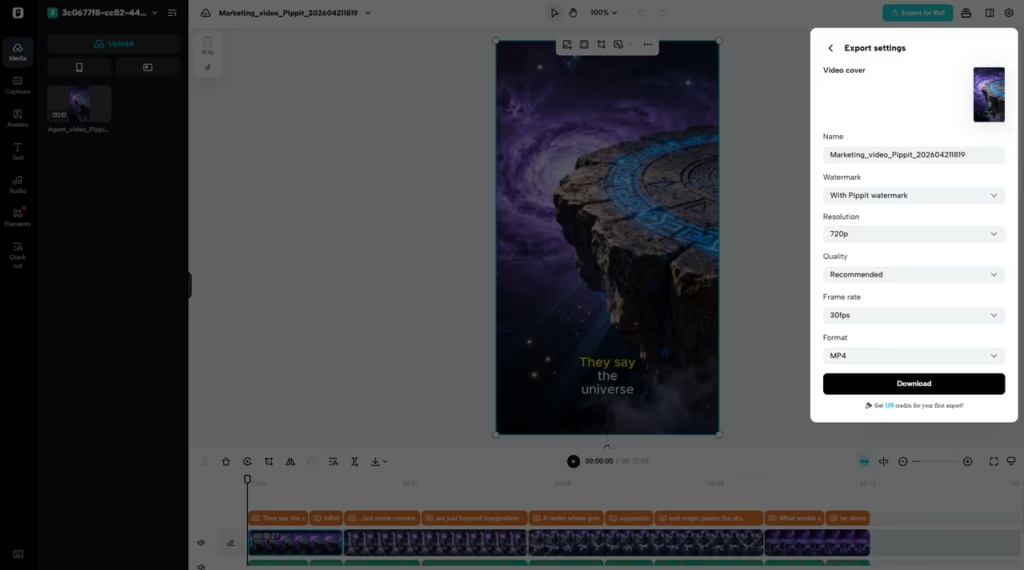
Pippit’s free AI video editor supports final customization before exporting or publishing directly to platforms.

Practical Techniques to Improve Texture Accuracy
Accurate, timely engineering guidance is required to improve realistic texture. Consistent material behavior across frames can be ensured with high-quality reference images. Other surface details specified in descriptive prompts must include roughness, gloss, and reflectivity to ensure precise rendering. The combination of multiple assets adds to the perception of depth and the coherence of space to layered realism. The alteration of light-related keywords may enhance either a dramatic or a gentle visual atmosphere, depending on the authors’ motives. The techniques are applied to stabilize the quality of output across different video sequences and to achieve a realistic representation of materials in production pipelines.
Best Practices for Achieving Professional Results
Quality deliverables are founded on logical, timely design and frequent visual consultations throughout projects. Prompts should be descriptive yet focused to avoid any visual noise or distortion. Styles are referred to help maintain continuity across different scenes and sequences. Creativity and the accuracy of output, as well as the overall accuracy of testing, are improved by refining testing through repetitive changes to the prompt. Platform-specific optimization is used to ensure that vertical, horizontal, or square outputs are formatted appropriately across the different distribution channels. All these practices help enhance realism, efficiency, and visual consistency in a free AI video editor.
Conclusion
Seedance AI recreates the process of creating lighting and textures in modern video production environments. Pippit does not have any problems with advanced rendering features that no longer pose a production barrier as they did in the past. The technology enables creators to generate cinematic, realistic images from simple text-based inputs. It is also gaining adoption as the need to employ efficient AI-based video production is expanding rapidly across sectors worldwide.
Recommended Articles:
Best AI Voice Generator Tools for Content Creators in 2026
How to Create Amazing Short Videos for Social Media
16 Tips to Make Amazing YouTube Videos
Comments
0 comments