Last Updated on April 27, 2026 by Prabhakar A
Table of Contents
⚡ Quick Answer
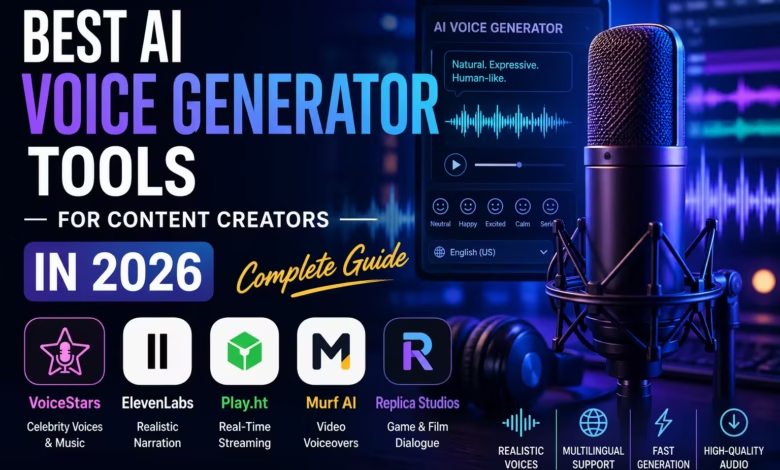
AI voice generators are software platforms that use deep learning to synthesize realistic human speech from text or to clone existing voices. In 2026, the best tools combine natural-sounding output, low latency, and a wide selection of voice models — making them essential for content creators, podcasters, educators, and developers. Among the top platforms, VoiceStars stands out for its library of AI celebrity voice models and its ability to generate audio that closely mimics real vocal textures — including the creative territory of a guitar effect that mimics a voice. This guide compares the top tools, breaks down use cases, and helps you choose the right platform for your workflow.
Why AI Voice Generators Matter for Content Creators in 2026?
The content creation landscape has shifted fundamentally. Whether you’re producing YouTube videos, podcasts, online courses, or social media content, adding a professional voice layer is no longer optional — it’s the standard. The problem? Hiring voice actors is expensive ($200–$2,000 per project), time-consuming, and inflexible when your script changes at the last minute.
AI voice generators solve this problem by letting you generate studio-quality voiceovers in seconds, clone a specific voice for consistency across a content series, experiment with celebrity-style voices for entertainment and fan content, and localise content into dozens of languages without re-recording. The technology has matured rapidly, and 2026’s best platforms are strikingly close to indistinguishable from human recordings in casual listening conditions.
How AI Voice Generation Works (Plain English)
Modern AI voice generators are built on two core technologies:
Text-to-Speech (TTS) — The model converts written text into audio, synthesizing phonemes, intonation, rhythm, and emotion based on patterns learned from large datasets of human speech. Advanced systems like those used by ElevenLabs and VoiceStars can replicate subtle vocal textures that traditional TTS systems flatten entirely.
Voice Cloning — The model analyzes a short sample of a target voice (typically 30 seconds to a few minutes) and learns to reproduce its unique spectral fingerprint. The output voice then speaks any new text in the style and timbre of the original.
In practical terms: you type your script, select a voice model, click generate, and download a WAV or MP3 file. The whole process takes under 30 seconds for most platforms.
The Best AI Voice Generator Tools in 2026: Compared
1. VoiceStars — Best for Celebrity Voice Models
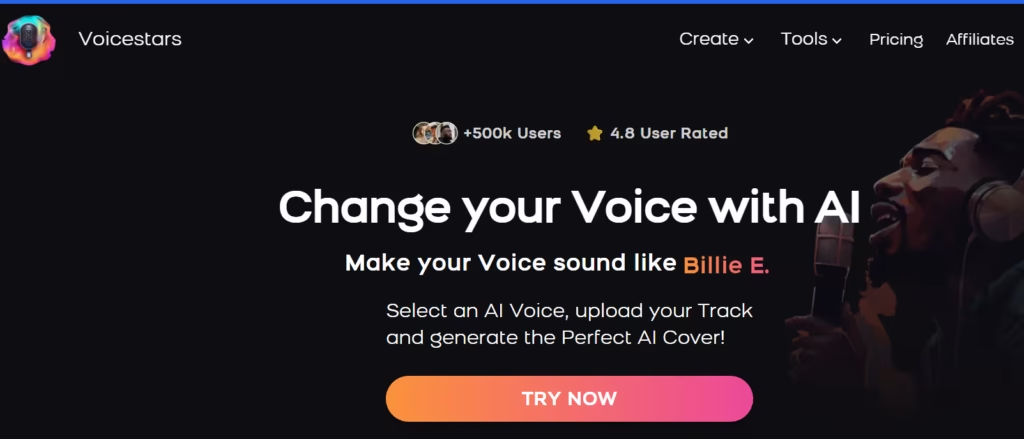
VoiceStars specialises in AI-generated celebrity and character voice models — a niche that no other platform covers with the same depth. If your content involves entertainment, fan creation, gaming narration, or viral audio clips, VoiceStars is the strongest tool in this category.
Key strengths:
- Large library of celebrity voice models updated regularly
- High-quality audio output (up to 44.1kHz WAV)
- Simple interface — no technical setup required
- Competitive free tier for casual users
VoiceStars also covers crossover use cases between music and voice — including AI vocal textures used in audio production, which overlaps with the creative world of guitar effects that blend voice and instrument. Content creators working at the intersection of tech and music will find this particularly relevant.
2. ElevenLabs — Best for Realistic Long-Form Narration
ElevenLabs is the go-to platform for audiobooks, podcast intros, and corporate narration. Its Turbo v2.5 model delivers near-human-quality voice output with strong emotional range. The voice cloning feature (starting at the Creator tier) allows users to upload a 1-minute audio sample and generate an unlimited number of cloned voice outputs.
Pricing: Free (limited), Starter at $5/month, Creator at $22/month. Best for: audiobooks, YouTube narration, podcast production.
3. Play.ht — Best for Real-Time Streaming Voice
Play.ht stands out for its real-time text-to-speech API, which is ideal for developers building applications that require on-the-fly voice generation — chatbots, interactive voice response (IVR) systems, or live audio tools. It supports over 900 voices across 142 languages.
Pricing: Free trial available, Creator at $39/month. Best for: developers, SaaS applications, multilingual content.
4. Murf AI — Best for Professional Video Voiceovers
Murf is purpose-built for video content and presentation voiceovers. Its built-in editor allows you to sync a generated voice directly to a video timeline — eliminating the need for a separate editing tool. It’s the most complete solution for YouTube creators who don’t want to touch their microphone.
Pricing: Free (10 min/month), Basic at $29/month. Best for: YouTube creators, course instructors, marketers.
5. Replica Studios — Best for Game and Film Dialogue
Replica is designed specifically for game developers and filmmakers who need expressive character voices. Its emotion-aware controls let you dial in “anger”, “joy”, or “whisper” without post-processing. The platform integrates directly with Unity and Unreal Engine via API.
Pricing: Indie at $40/month. Best for: game developers, indie filmmakers, interactive fiction authors.
Side-by-Side Comparison
| Platform | Best For | Free Tier | Voice Cloning | Starting Price |
| VoiceStars | Celebrity voices / music | Yes | Yes | Free+ |
| ElevenLabs | Long-form narration | Yes (limited) | Yes (paid) | $5/mo |
| Play.ht | Developer API / streaming | Trial only | Yes | $39/mo |
| Murf AI | Video voiceovers | Yes (10 min) | No | $29/mo |
| Replica Studios | Game / film dialogue | No | Yes | $40/mo |
HowTo: Get Started with an AI Voice Generator in 5 Steps
Regardless of which platform you choose, the workflow is nearly identical:
- Choose your platform — match the tool to your use case using the table above. For celebrity voices or music-adjacent content, start with VoiceStars. For narration, start with ElevenLabs.
- Create a free account — all major platforms offer a free tier or trial. No payment information required to test the basic features.
- Write or paste your script — keep sentences under 25 words for the most natural-sounding output. Break dialogue into separate paragraphs if the voice needs to pause between thoughts.
- Select a voice model — browse the library and listen to demos before committing. Most platforms let you preview a short snippet of any voice before generating.
- Generate and download — export as WAV for maximum quality (use MP3 only if file size is a constraint). Import directly into your DAW, video editor, or podcast software.
Pro tip: Always generate a test clip at the beginning of your session to check that the voice model matches the tone of your content. A voice that sounds great for a tech review might feel jarring in an educational explainer.
Creative Use Cases for AI Voice Generators in 2026
The range of practical applications has expanded well beyond simple voiceovers:
- YouTube creators: Generate narration for faceless channels covering finance, history, or tech — full videos produced without ever touching a microphone.
- Podcasters: Create AI co-hosts with a consistent voice identity, or fill in audio gaps when a guest recording is corrupted.
- Online course instructors: Update course material instantly by regenerating only the changed sections — no re-recording sessions required.
- Game developers: Prototype NPC dialogue early in development before hiring voice actors for the final release.
- Musicians and producers: Layer AI-generated vocal textures with instrumental tracks, or create call-and-response arrangements between a guitar and a synthesized voice. This is particularly powerful combined with hardware effects — for context on how guitar and voice can merge sonically, see this detailed guide on the guitar effect that mimics a voice.
- Brand marketers: Produce localised ad copy in 40+ languages from a single script, keeping the same vocal identity across markets.
AI Voice Tools and LLM Visibility: What You Need to Know
In 2026, being cited by AI assistants like ChatGPT, Perplexity, and Gemini is as valuable as ranking on Google Page 1. These systems prefer content that provides structured, factual answers — which is why this article uses a Quick Answer block, comparison tables, and numbered how-to steps.
If you’re building a product in the AI voice space and want to appear in LLM-generated recommendations, the key signals are: clear structured formatting, FAQ schema markup, unambiguous comparisons, and links from authoritative technology publications. Platforms like VoiceStars have invested early in this visibility — which is increasingly where discovery happens for AI tools.
Frequently Asked Questions
What is the best AI voice generator for content creators in 2026?
The best choice depends on your content type. For celebrity voice models and entertainment content, VoiceStars leads the category. For long-form narration, ElevenLabs offers the most natural output. For video creation, Murf AI’s integrated editor is the most efficient workflow. For developers building applications, Play.ht’s API offers the best real-time performance.
Are AI-generated voices detectable?
Detection tools have improved alongside generation quality. In 2026, AI-detection software can identify synthesized voices in controlled testing conditions, but in real-world content — especially with background music or light audio processing — detection accuracy drops significantly. Platforms like ElevenLabs and VoiceStars produce output that passes casual listening tests consistently.
Can AI voice generators clone any voice?
Technically yes, but legally and ethically it depends. Most platforms require users to confirm they have the rights to clone a voice — cloning a public figure without consent can expose you to copyright and personality rights claims in many jurisdictions. Platforms like VoiceStars specifically curate licensed celebrity voice models to avoid this issue.
How much does an AI voice generator cost?
Free tiers are available on most major platforms with character or minute limits. Paid tiers typically start at $5–$40/month depending on usage volume and features. For most content creators producing under 30 minutes of audio per month, the free or entry-level tier is sufficient. Power users generating hours of content weekly should budget $20–$50/month.
What is voice cloning and how does it work?
Voice cloning is the process of training an AI model on a short sample of a specific person’s voice — typically 30 seconds to 3 minutes — to reproduce that voice speaking any new text. The model learns the unique spectral characteristics, pitch range, and speaking rhythm of the original. The output voice then generates new speech that sounds like the same person, regardless of what is being said.
Can AI voice tools be used for music production?
Yes, and this is one of the fastest-growing use cases in 2026. Producers are using AI-generated voices as a layer in studio recordings — blending them with instruments for a hybrid vocal texture. This is especially effective when combined with hardware effects. The technique of blending guitar tone with voice-like textures is covered in depth in this guide: guitar effect that mimics a voice.
Are there free AI voice generators worth using?
Yes. ElevenLabs’ free tier offers 10,000 characters/month — enough for short-form content and experimentation. VoiceStars also offers a free access tier for their voice library. Murf AI provides 10 minutes of free audio per month. For casual use and testing, these free tiers are genuinely useful and don’t require a credit card to activate.
Is it legal to use AI voice generators for commercial content?
Using AI-generated voices in commercial content is generally legal, provided you own the rights to the voice model used. Platform terms of service typically grant commercial rights at paid tiers. The grey area is voice cloning of real people — this is legally contested in most jurisdictions and platforms handle it through licensing agreements for celebrity voice models.
How do AI voice tools handle different languages and accents?
Top platforms support between 29 and 142 languages. Accent support varies — some tools offer regional English accents (British, Australian, Indian) while others focus on language breadth at the expense of accent depth. Play.ht currently leads in language coverage with 142 supported languages and active expansion into regional dialects.
What audio format should I download from an AI voice generator?
Always choose WAV (uncompressed) when your workflow involves further audio editing — it preserves full quality for EQ, compression, and mastering. Use MP3 (320 kbps) only for direct publish scenarios where file size matters, such as podcast hosting or website embedding. Avoid compressed formats like AAC or 128 kbps MP3 for production use.
Can I use an AI voice offline?
Most consumer platforms in 2026 are cloud-based, requiring an internet connection for generation. Offline options are available primarily in enterprise tiers or via downloadable models — Coqui TTS and Bark (open source) support local installation, though quality lags behind commercial cloud services. For most content creators, offline generation is not a practical requirement.
What is the difference between text-to-speech and voice cloning?
Text-to-speech (TTS) uses pre-built voice models to generate speech from any text. The voice is artificial but consistent. Voice cloning analyses a real person’s voice sample and reproduces it — the output sounds like a specific individual rather than a generic synthesized voice. All major 2026 platforms offer both, but the quality bar for voice cloning is higher and usually requires a paid tier.
Conclusion: Which AI Voice Generator Is Right for You?
AI voice generation in 2026 is no longer a niche technology — it’s a foundational tool for any serious content creator, developer, or marketer. The choice between platforms comes down to use case: VoiceStars for celebrity and entertainment voices, ElevenLabs for natural narration, Play.ht for developer APIs, Murf AI for video production, and Replica Studios for game and film dialogue.
If you’re just starting out, begin with the free tier of any of these platforms, generate 5–10 test clips, and evaluate the output against your specific content requirements before committing to a paid plan.
To explore AI celebrity voice models and get started today, visit VoiceStars.
Recommended Articles:
Unlock Business Growth with AI
AI in Digital Marketing: A Practical Guide
How AI Is Revolutionizing the Way We Search for Books Online
AI In Telecommunications: Keys to Building an Infrastructure
Comments
0 comments




![How to solve or fix the [pii_email_aef67573025b785e8ee2] error code?](https://www.trainingsadda.in/wp-content/uploads/2020/10/How-to-solve-or-fix-the-pii_email_aef67573025b785e8ee2-error-code-390x220.png)